
Donate
Help Save the Children and unlock in-game rewards!
Donate to Save the Children
Donations go directly through Tiltify's secure platform. Your contribution helps Save the Children and unlocks milestones below.
This site does not handle payment information. Donations are processed securely by Tiltify.
Incentives (milestones)
To give donors extra motivation, we’re building five incentives tied to the Baby Chew in-game pet. Once the incentive list is finalized on Tiltify, it will be mirrored here.
Milestones unlock in order. Loading current total…
- €351 — Tantrum (knockback reaction): When Baby Chew gets knocked back, the baby chewbies throw a little tantrum (harmless / cosmetic).
- €702 — Playful sparring: Baby chewbies can have tiny harmless fights with other players’ baby chewbies.
- €702 — Ice caves (build process): Baby Chew occasionally builds ice caves with a fun build animation.
- €1053 — Nydus teleport (fashionable): Baby Chew and the baby chewbies teleport to the current hero using the Nydus.
- €1404 — Mecha Baby Chew (skin): A Mecha Baby Chew skin (like Mecha Chew, but for Baby Chew).
All milestones are listed here with their full descriptions.
I’ll be streaming the implementation of these features (Discord, and bilibili if possible). Exact stream times will be posted on the site.
Why €351? It comes from a Kerrigan Survival tournament on January 10–11 where players spawned a total of 351 baby chewbies.
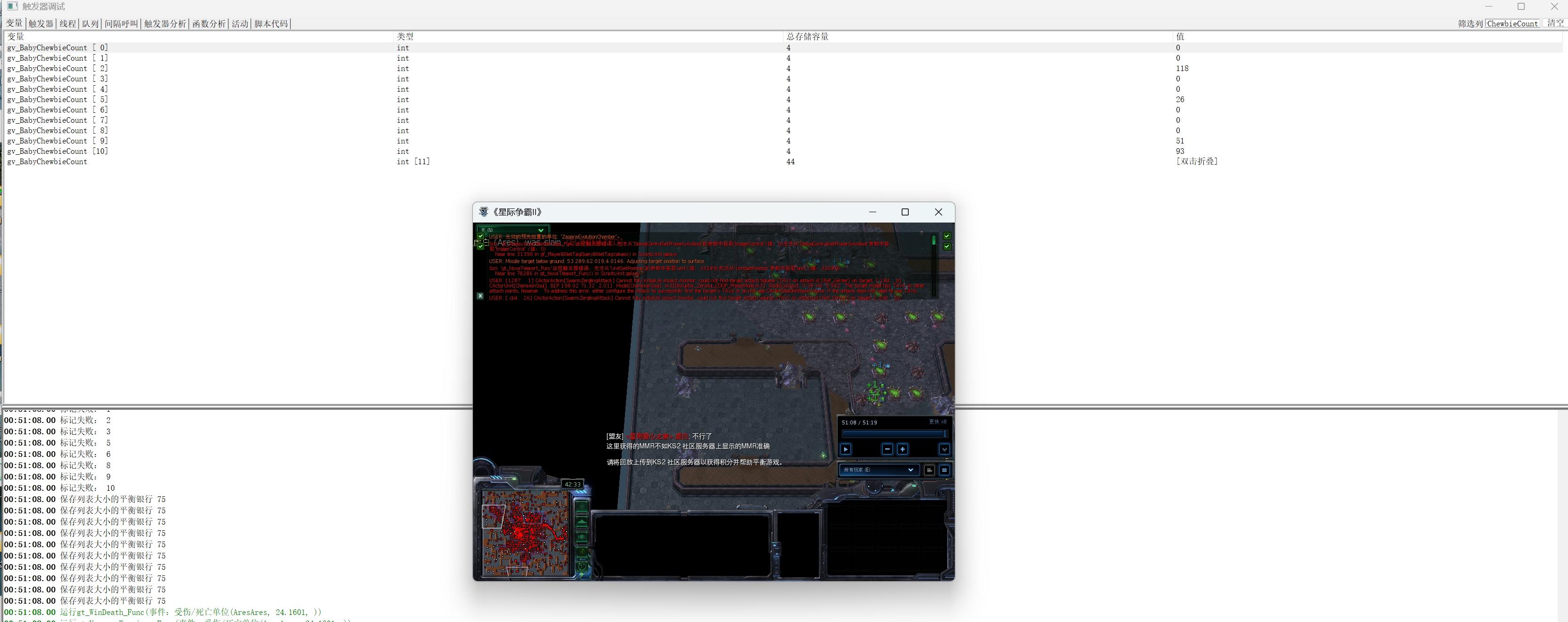
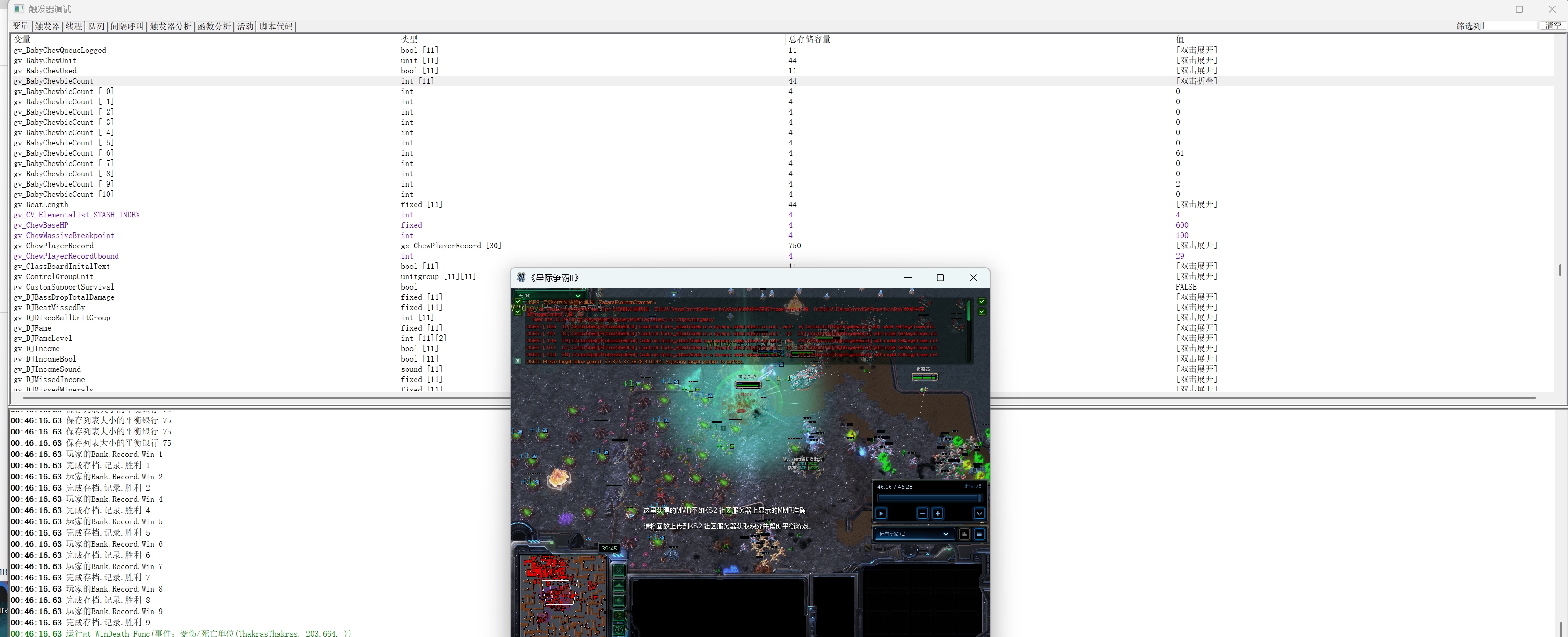
Creator pledge (proof of concept): I'll personally donate €10 for every Baby Chew used in the tournament (6 total → €60) to help kick things off.